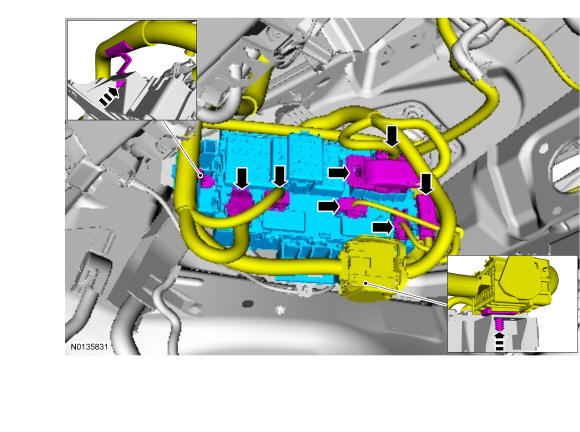
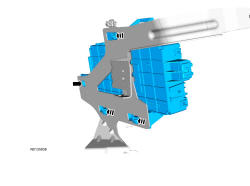
Body Control Module (BCM) - With Intelligent Access (IA): Removal
NOTE:
When any vehicle module is being programmed, connect an external battery charger to make sure that the module programming is completed without the interruption due to the load shedding feature becoming active. The external battery charger must maintain a system voltage above 13 volts. This can require a charger setting higher than the lowest charge setting. The external battery charger negative connection must be made to an engine or vehicle chassis ground and not the negative battery terminal. If the connection is to the negative battery terminal, load shedding cannot be prevented from being invoked and module programming may be corrupted. After charging has begun, start the engine to clear any load shed states and then turn the engine off and proceed with programming.
NOTE:
If installing a new module, it is necessary to upload the module configuration information to the scan tool prior to removing the module. This information must be downloaded into the new module after installation.
- 1.
Connect a battery charger. REFER to Battery, Mounting and Cables .
- 2.
Upload the module configuration information from the BCM. REFER to Module Configuration .
NOTE:
This step is necessary only if the BCM is being replaced.
- 3.
Remove the steering column opening trim panel. REFER to Instrument Panel and Console .