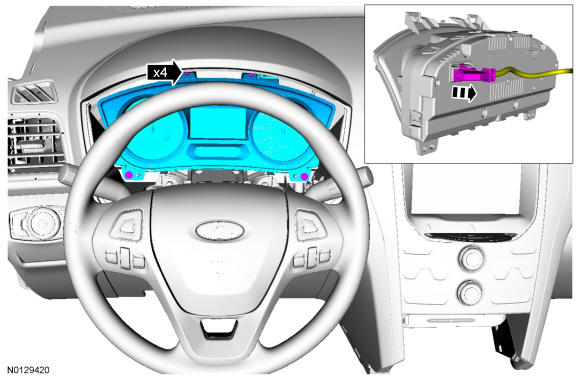
Instrument Panel Cluster (IPC): Removal
- 1.
Upload the module configuration information from the IPC module into the scan tool following the scan tool on screen instructions.
NOTE:
If installing a new module, it is necessary to upload the module configuration information to the scan tool prior to removing the module. This information must be downloaded into the new module after installation.
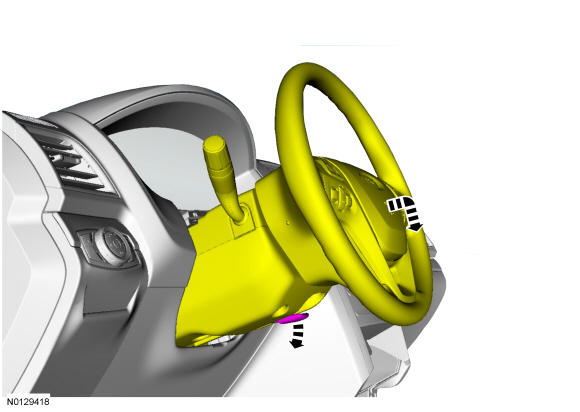
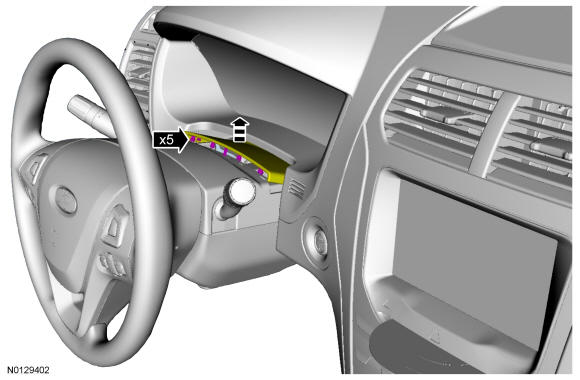
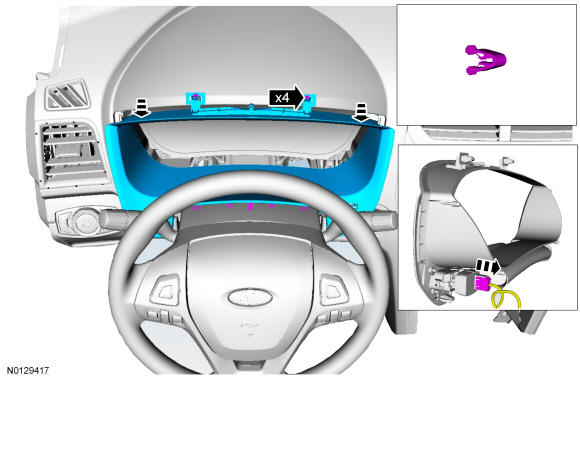
- 5.
Remove the 4 IPC screws and remove the IPC.- 1.
To install, tighten to 3 Nm (27 lb-in).
- 2.
Disconnect the electrical connector.
- 1.