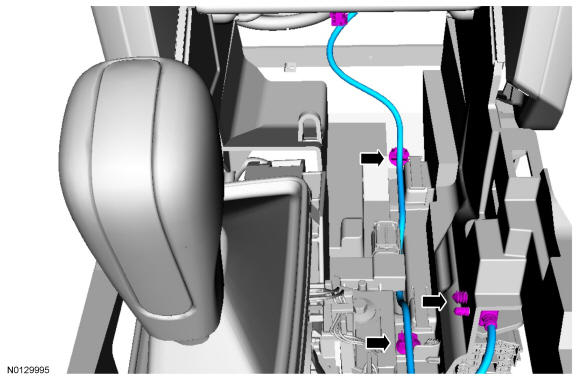
Universal Serial Bus (USB) Cable - Lower: Removal
WARNING:
Before beginning any service procedure in this article, refer to Safety Warnings in SERVICE INFORMATION
.
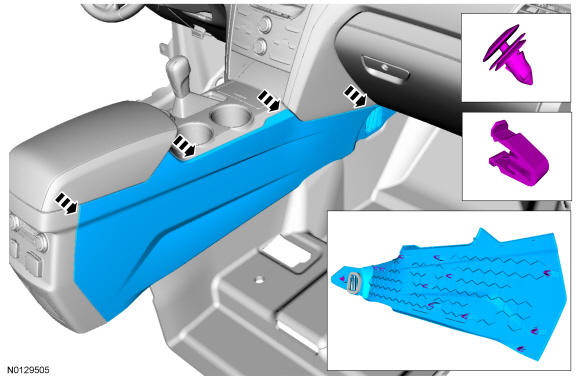
- 3.
Remove the LH and RH finish panel. REFER to Instrument Panel and Console
- 4.
Pull the LH floor console side trim panels outward to release the top 3 retaining clips. REFER to Instrument Panel and Console
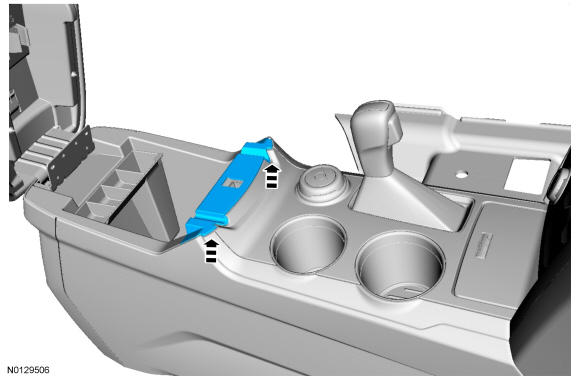
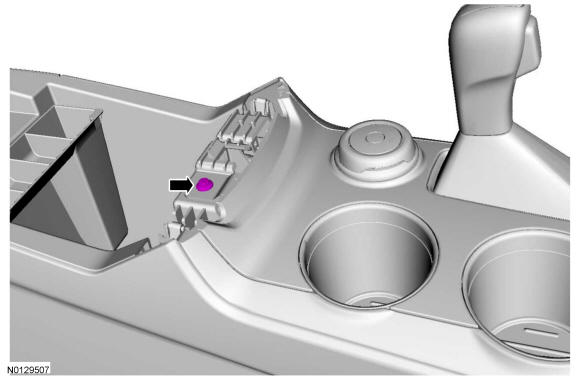
- 8.
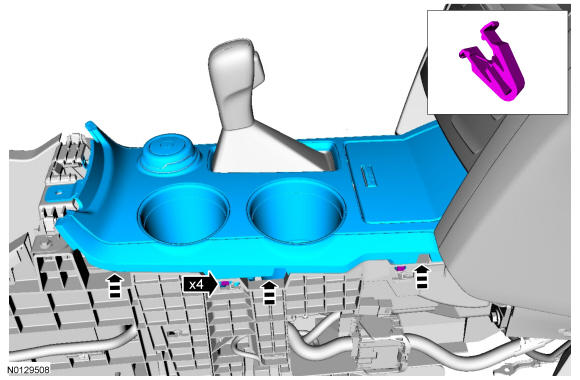
Position aside the console upper finish panel from the floor console.- Pull upward to release the clips starting at the rear and working forward.
- 10.
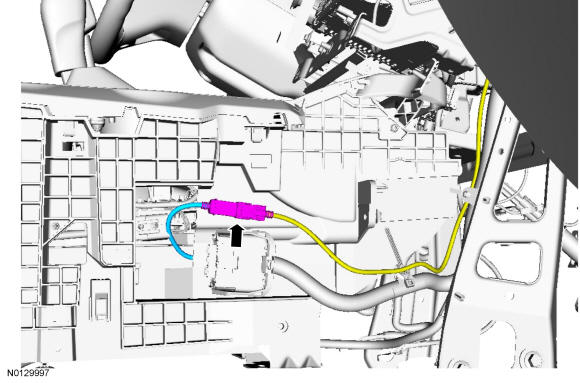
Remove the lower USB cable.- Disconnect the lower USB cable from the media hub.
- Disconnect the 3 pin-type retainers.