Ignition Lock Cylinder Housing: Removal
- 1.
If equipped with Premium Audio, remove the FCDIM. REFER to Information and Entertainment Systems Premium .
- 2.
If equipped with Premium Plus Audio or Sony Sound, remove the Front Display Interface Module (FDIM).Premium Plus:
REFER to Information and Entertainment Systems Premium Plus or
SonySound
- 3.
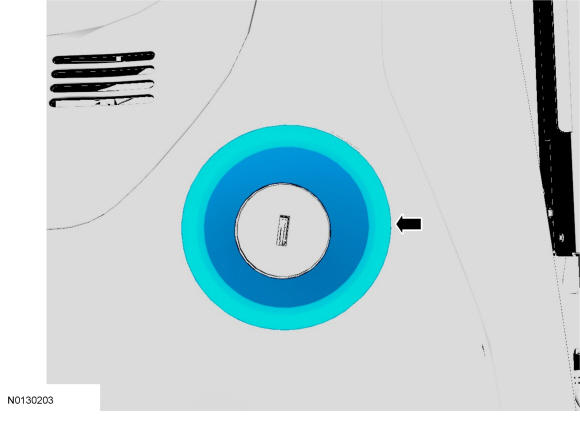
Insert a non-marring tool between the ignition lock cylinder bezel and the instrument panel and pry outward.
- 4.
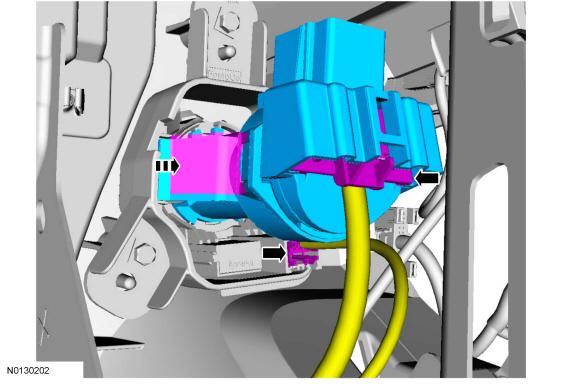
Remove the ignition lock cylinder housing.- Push the tab to release the ignition lock cylinder housing.
- Disconnect the 2 electrical connectors.
NOTE:
Ignition lock cylinder housing shown from behind to show location of tab.