Backup Transceiver: Removal
- 4.
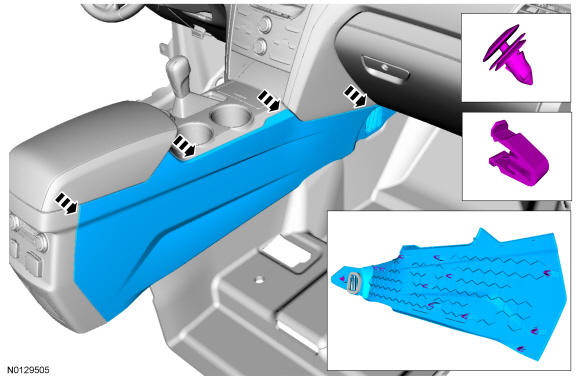
Remove the LH and the Right Hand (RH) front floor console side trim panels.- 1.
Pull outward to release the retainers.
- 1.
- 5.
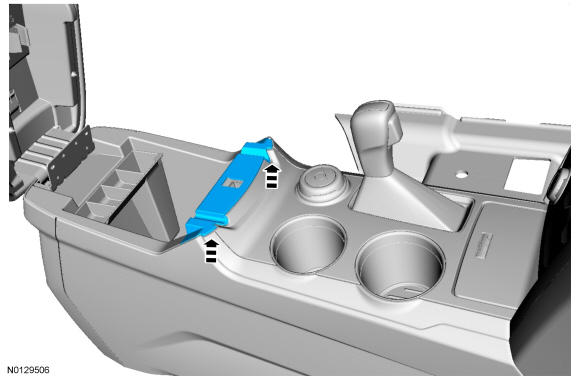
Remove the latch trim panel.- 1.
Pull upward to release the retainers.
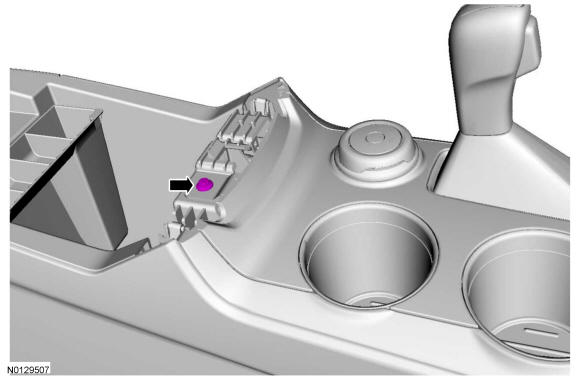
- 2.
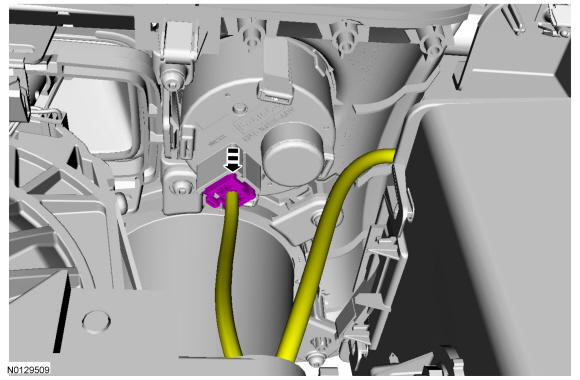
Disconnect the power point electrical connector.
- 1.
- 7.
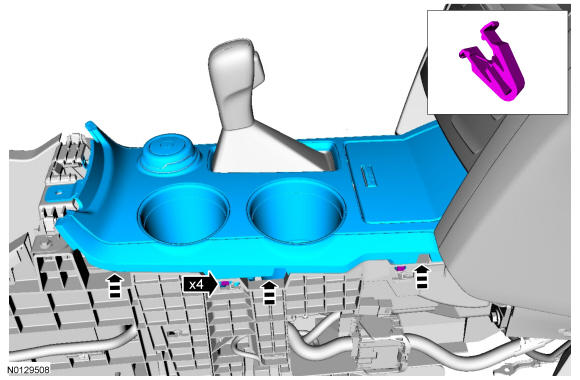
Unclip the console upper finish panel from the console.- 1.
Start at the rear and work forward pulling upward to release the clips.
- 1.
NOTE:
The RH floor console side trim panel is removed for clarity.
- 13.
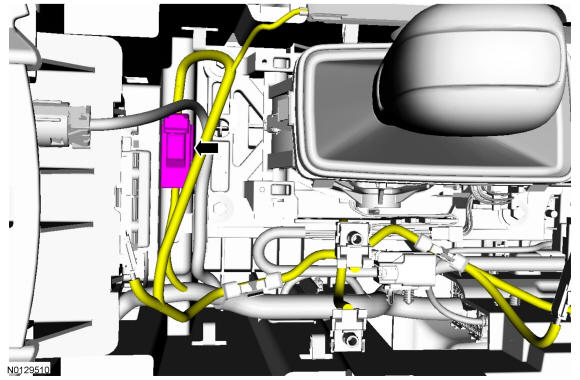
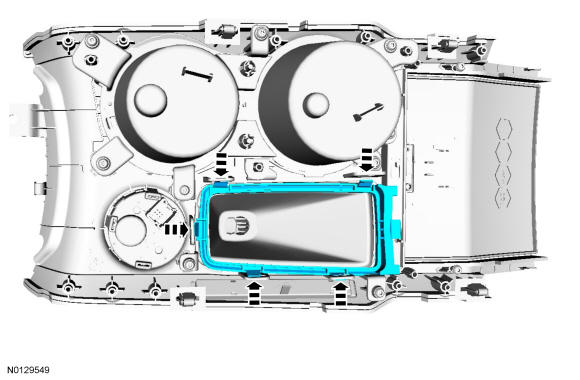
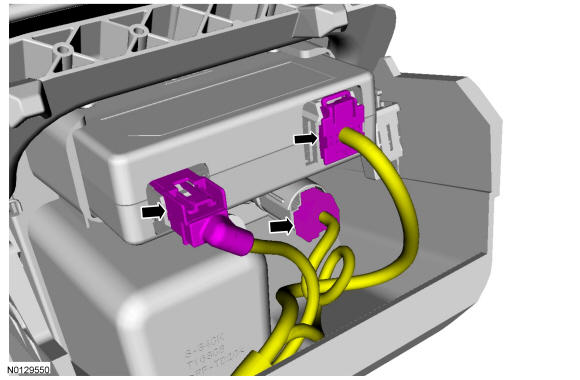
Remove the 2 retainers and the latch panel. REFER to Instrument Panel and Console , Exploded View.
- 14.
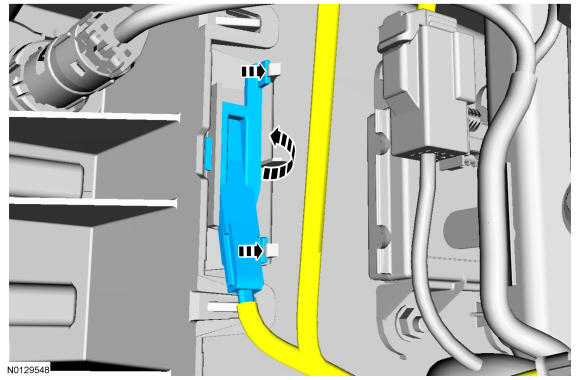
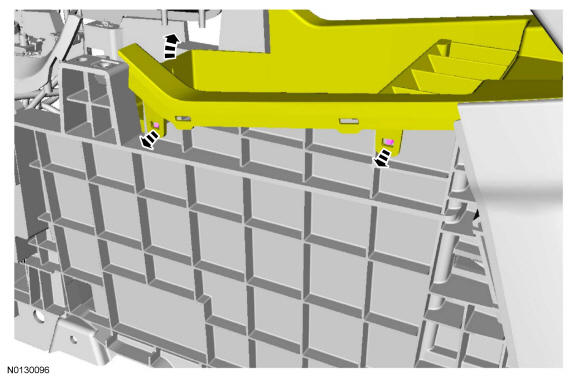
Release the 4 clips and pull up on the front of the front floor console storage bin to gain access to the backup transceiver.
NOTE:
LH front floor console storage bin clips shown, RH clips similar.
- 15.
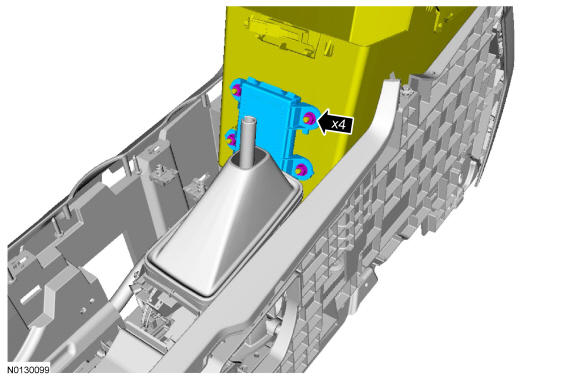
Remove the 4 backup transceiver nuts and disconnect and remove the backup transceiver.- 1.
To install, tighten to 5 Nm (44 lb-in).
- 1.