Description And Operation: Operation
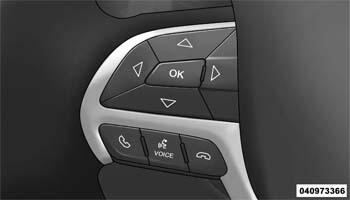
The EVIC function buttons are used to operate the different functions of the EVIC system. Pressing and releasing the Arrow buttons allows the driver to scroll though and select the EVIC main menu and submenu items. The OK button allows the selection of setting or resetting of the function currently displayed at that time.