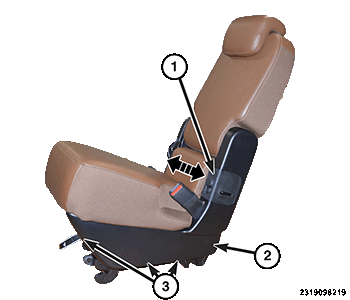
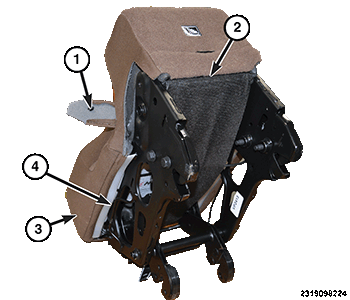
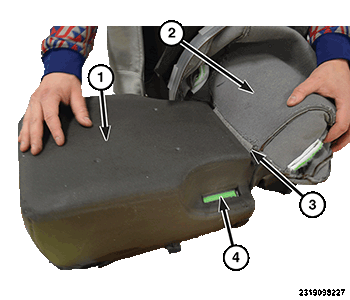
Removal And Installation: Removal
NOTE:
It is not necessary to remove the seatback.
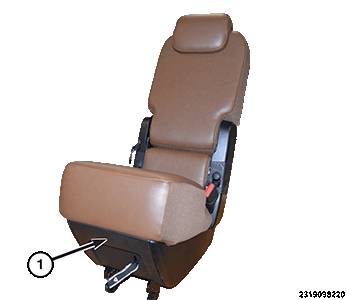
- Remove the second row, center seat from the vehicle.
- By hand, pull to remove the front cover (1).
- By hand, pull the cover (1) forward and outward to remove. Remove the screw behind this cover.
- Remove the screws (3) and then the side cover (2). Do this on both sides of the seat.NOTE:
It is not necessary to remove the seatback.
- Remove the push fastener (1) on both sides of the seat.
- Release the J-hook and open the lower cover panel (2).
- Release the trim J-hooks (4) around the perimeter of the seat cushion.
- Remove the seat cover (3) and cushion as an assembly, from the seat frame.NOTE:
Be careful not to damage the clips molded into the seat cushion. If the clips or cushion are damaged during removal, replace the cushion.
- Pull the seat cover (2) away from the seat cushion (1), releasing the hook and loop fasteners (4) first.
- Using a hook tool, start at one end to release the clip strips (3) and the seat cover.